Ask an adverse event monitoring vendor twelve things: which channels and languages it reads, how it decides what to flag, how it handles false alarms and missed cases, how fast alerts arrive and what they contain, where they go when nobody answers, what the audit trail records, how nothing gets lost, who can see what, where the data lives, how it connects to your safety database, how you validate it and how you leave. Test every answer on your own comments before you sign. The vendor flags and routes; your PV team decides.
We develop Screver, a feedback platform used in pharma, so read this with that in mind. The questions apply to every vendor, including us, and Screver's own answers at the end come from our published pages. Screver is a collection and routing layer that feeds your pharmacovigilance system; it is not a pharmacovigilance system.
Which questions should you ask an adverse event monitoring vendor?
| # | Question | A good answer | How to test it |
|---|---|---|---|
| 1 | Which channels and content types do you read? | Surveys, web forms, chatbots, call transcripts, CRM notes and social media – posts, ads and messages – named one by one | A sample from each of your channels |
| 2 | Which languages, and how do you handle slang, misspellings and brand nicknames? | Every language of your markets, mixed-language comments, your product's nicknames and misspellings | Real comments from your markets |
| 3 | How do you decide what to flag, and can you explain each flag? | Keywords, context or both – with the reason shown on every flag | Ask why a comment was flagged and why another was not |
| 4 | How do you handle false alarms and missed cases? | Reviewers mark each flag; keyword groups and rules change from their decisions; old comments are re-checked after a change | Count what was flagged and what was missed on your test set |
| 5 | How fast does an alert arrive, and what does it contain? | Real time for critical mentions, daily or weekly summaries for the rest; full text, product, channel, market, timestamps, link | Time stamps from comment to inbox |
| 6 | Where do alerts go, and what happens if nobody opens them? | Shared PV mailbox or local safety team by product and market, a named backup, escalation | Send a test alert on a holiday |
| 7 | What does the audit trail record? | Every flag, alert, view, status change and note – who and when – exportable for inspections | Ask for an export of one test case |
| 8 | How do you make sure nothing is lost? | Daily reconciliation of flags sent against alerts received; a check for silent channels | Switch a channel off and see who notices |
| 9 | Who can see what? | Roles per brand and market, multi-factor sign-in, personal data shown only to those who need it | Log in as each role |
| 10 | Where is the data hosted, who processes it, and is it used to train AI? | Named region and sub-processors, a data processing agreement, no training on your data without consent | Read the contract and the sub-processor list |
| 11 | How do you connect to our safety database and other systems? | Alerts and exports in a format your PV team can enter or import; API and webhooks; no claim to be the safety database | Run one test case end to end |
| 12 | How do we validate the tool, and how do we leave? | Documentation for your validation, change control when rules change, full data export and access removal at the end | Ask for the export format before you sign |
How do you test detection before you sign?
With your own text, not the vendor's demo. Build a test set from comments you already have – with clear adverse events, borderline cases and harmless mentions that share the same words – and run it through every vendor on your shortlist:
- Remove personal data from the test set and agree its use with your data protection officer.
- Include every channel and language you will use, and comments with misspellings and emojis.
- Record for each vendor what it flagged, what it missed and why.
- Let your PV reviewers work through the flags in the vendor's interface and time it.
- Change one keyword group and check that the vendor re-checks older comments.
The point is not a perfect score. It is to see how the vendor behaves when it is wrong, and how quickly your team can correct it. The split between what to automate and what stays with your PV team is covered in what to automate in adverse event triage.
What should the contract say?
That the vendor flags and routes, and your company decides and reports. Put these points in writing:
- Roles: the vendor is a data processor; your company keeps pharmacovigilance responsibility, case assessment and reporting.
- Timelines: reporting timelines come from your SOPs and the regulations. The contract covers how fast the vendor delivers alerts, not when a case must be reported.
- Scope: channels, brands, markets and languages, and how new ones are added.
- Changes: how changes to keywords, rules or models are announced, tested and documented.
- Exit: what data you get back, in which format, and when access is removed.
If you are choosing a whole Voice of Customer platform rather than an adverse event tool, the same questions belong in a wider RFP – see what to include in a pharma Voice of Customer platform RFP.
How does Screver answer these questions?
From our published pages:
| Topic | Screver |
|---|---|
| Channels | Survey comments, website forms, call transcripts, CRM notes, chatbot conversations and comments on company social media pages; surveys after rep calls, Veeva-approved emails, congresses, web, QR codes and SMS |
| Languages | 40+ languages |
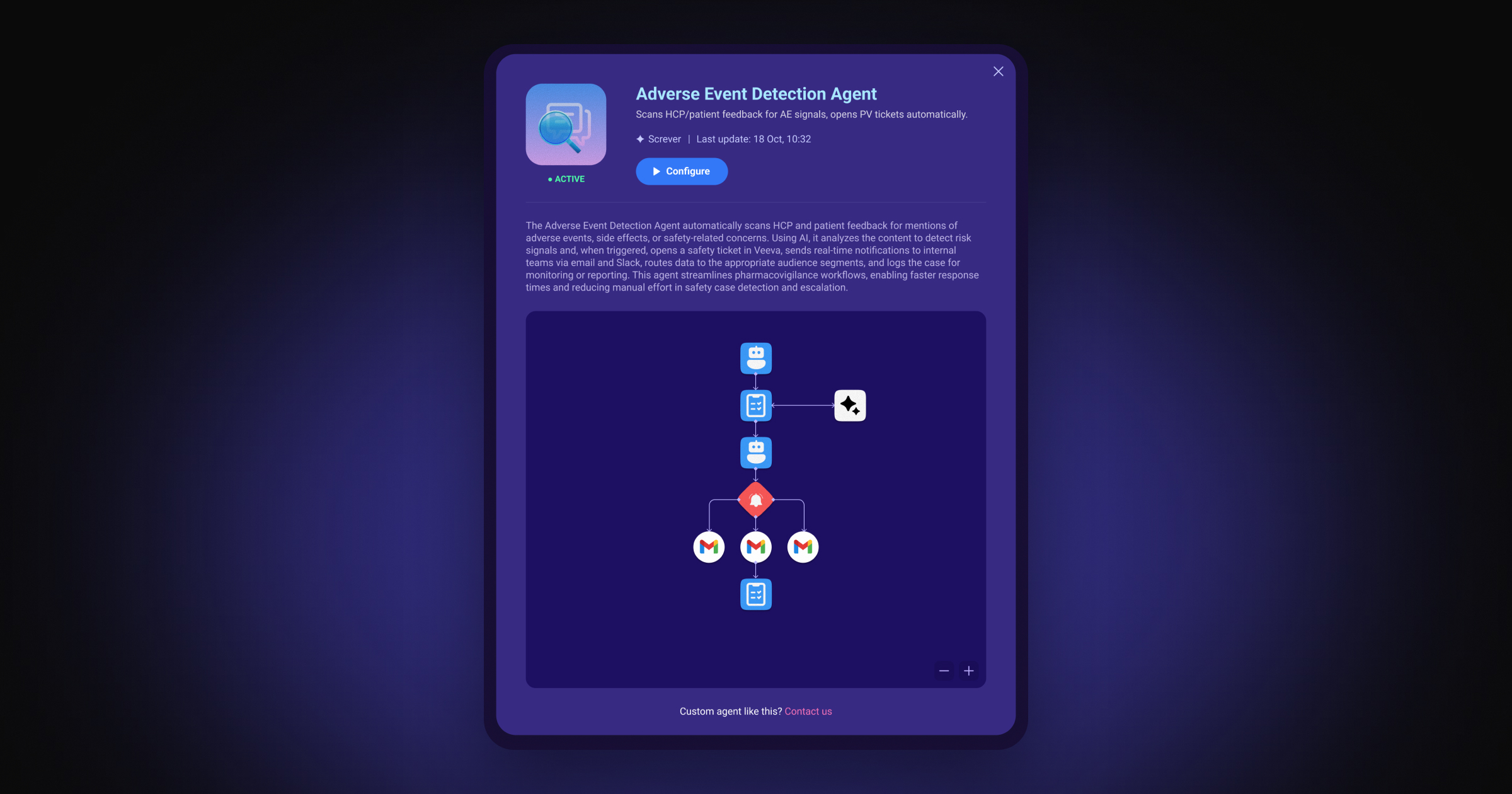
| Detection | The Pharmacovigilance Alert Agent uses your product list, safety keywords and documentation, tells AE from non-AE mentions in context and learns from human validation |
| Alerts | Real-time alerts for critical mentions or specific products; daily or weekly summaries; PDF or dashboard exports to Power BI, Qlik or internal systems |
| Audit trail | Every alert logged with full audit history |
| Hosting and data | Google Cloud in Zurich, disaster recovery in Frankfurt; data processor under GDPR and the Swiss nFADP; no AI training on customer data without written consent |
| Integrations | Veeva CRM, Salesforce, REST API and webhooks, exports to Power BI, Tableau and Qlik |
| Responsibility | Your company keeps pharmacovigilance responsibility; your PV team reviews each flag |
| Start | Pilot with one survey or channel, refine rules and routing with your PV team, then scale |
Sources: adverse event monitoring, integrations and compliance and trust. Questions about validation documentation and the exit format are best asked in a demo with your PV and IT teams.
Frequently asked questions
Is an adverse event monitoring tool a pharmacovigilance system?
No. It finds possible adverse events in text and routes them to your PV team. Case assessment, the safety database and reporting to authorities stay in your pharmacovigilance system.
Should the vendor report adverse events to the authorities?
No. Your company reports, through your PV team and safety database. The vendor's job is to make sure every possible case reaches them quickly, with context and an audit trail.
What is the most important question to ask?
How the vendor handles the cases it gets wrong – false alarms and missed mentions – because that decides how much work stays with your PV team and how much risk remains.
Which channels should an adverse event monitoring tool cover?
Every channel your company owns or pays for where people can write freely: surveys, forms, chatbots, call centres and your social media pages. How to handle each one is covered in how to catch adverse events in social media and chats.