Treat every channel your company owns or pays for as a source of possible adverse events: comments and direct messages on your brand pages and ads, chatbot conversations and call-centre transcripts. Read all of the text, flag possible cases by product and keyword group, send each one to your PV team with the original wording and a link to where it was posted, and reconcile every day. The channels differ in who the reporter is, what you can follow up and how much context you get, so each needs its own rules.
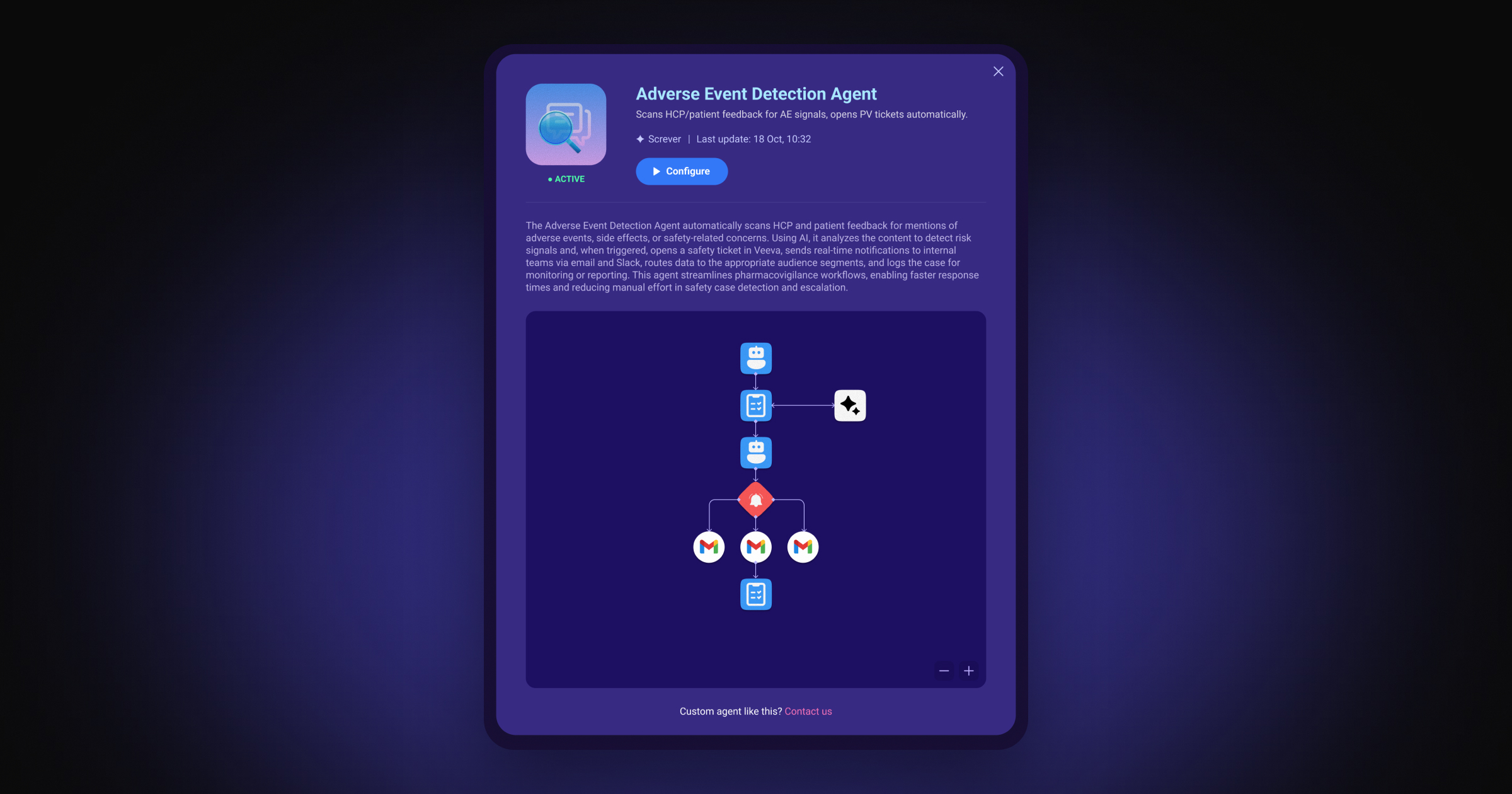
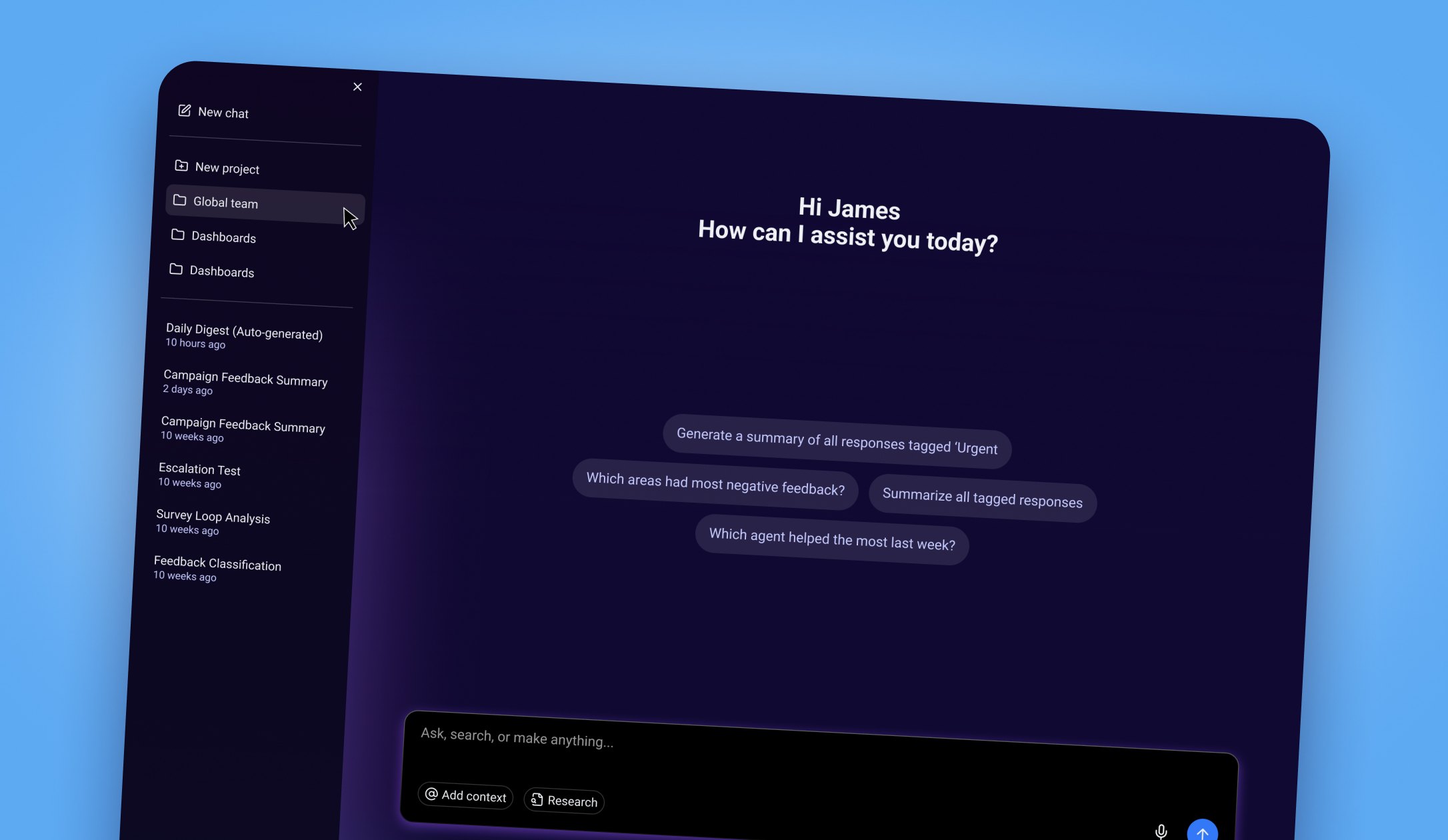
We develop Screver, a feedback platform used in pharma, so read this with that in mind. Screver reads survey comments, website forms, call transcripts, CRM notes, chatbot conversations and comments on company social media pages, flags possible adverse events and alerts your PV team with a full audit trail. Screver is a collection and routing layer that feeds your pharmacovigilance system; it is not a pharmacovigilance system, and your company keeps responsibility for every case.
Which channels outside surveys bring adverse events?
Any channel where patients, caregivers or healthcare professionals can write freely. The table shows what each channel looks like and what it needs:
| Channel | What the text looks like | Who wrote it | What to watch |
|---|---|---|---|
| Comments on brand pages, posts and ads | Short, informal, emojis, misspellings, several languages | Often a nickname or anonymous profile | Comments on ads may need separate access; edited or deleted comments |
| Direct messages to brand accounts | Longer, personal, often with details of treatment | Identifiable account | Personal data – limit who sees the full text |
| Chatbots and virtual assistants | Questions and answers in a conversation | Usually anonymous unless the user leaves contact details | The full transcript, not only the last message |
| Call centres and medical information lines | Transcripts and agent notes | Identifiable caller | Agent notes summarise; the caller's own words carry the detail |
| Third-party sites and forums you do not run | Anything | Anyone | Not screened routinely, but assessed when your company becomes aware of a report |
The EMA's guideline on good pharmacovigilance practices (GVP Module VI) asks marketing authorisation holders to screen the internet and digital media under their management or responsibility regularly for potential reports of suspected adverse reactions. A digital medium counts as company-sponsored if it is owned, paid for and/or controlled by the company. If the company becomes aware of a report on a site it does not sponsor, the report should be assessed for reporting. The revised ICH guideline on post-approval safety data, ICH E2D(R1), adopted in September 2025, adds definitions for digital platforms such as social media, websites, forums and chat rooms, and for patient support programmes, market research programmes and social listening. Agree with your QPPV which of your channels fall under which rule.
Which social media comments are possible adverse events?
Any comment that links your product to something that happened to a person – even when the post is informal, the person is anonymous or the product name is misspelled. Whether the comment is a valid case is your PV team's decision. A valid case needs four minimum criteria: an identifiable reporter, an identifiable patient, a suspected medicinal product and a suspected adverse reaction. Social media comments often lack the first two, so flag them anyway and let the reviewer decide.
Detection on social media is harder than in surveys because the text is short and full of slang. Plan for it:
- Keyword groups per product: symptoms grouped by topic (for example skin reactions or breathing), plus brand names, nicknames, common misspellings and the active ingredient.
- Context, not only keywords: "this cream burns" and "burning to try this cream" share a word but not a meaning. Screver's agent uses your product list, safety keywords and documentation to tell such mentions apart and learns from your reviewers' decisions (adverse event monitoring). The examples here are illustrations, not client data.
- Every language you post in: comments arrive in the language of the market and often mix languages.
- Re-check old comments when the keywords change: when a new keyword is added, comments already received should be checked again.
What does social media adverse event monitoring need?
A clear scope, read access to every content type and a safety net for anything the live feed misses. Agree these points with your social media and PV teams:
- Scope: which pages and accounts, per brand and market, and whether comments on paid ads are included.
- Access without passwords: read access through the platform's business tools, which the company can revoke at any time.
- All content types: posts, videos, stories and ads, plus direct messages if they are in scope.
- The original text: if a comment is edited or deleted after it was received, keep the version you received and log the change.
- A daily check for gaps: compare comments received with comments on the pages, so nothing is lost when a live notification fails.
- Public replies: community managers answer with an agreed reply that points to the official reporting channel and never gives medical advice; the comment still goes to PV.
How do you handle adverse events in chatbot conversations?
Store the whole conversation, read every user message and route possible cases like any other channel. A chatbot on a product or disease-awareness website is a company-sponsored channel, so its transcripts belong in your screening.
- The bot does not assess: when a user describes a symptom, the bot acknowledges it, gives the official way to report a side effect and offers to pass on contact details – it does not judge whether it is an adverse event.
- Ask for consent in the chat: if the user agrees to be contacted, the PV team can follow up; if not, the case is assessed with what is there.
- Keep the context: the alert carries the full transcript, because the product may be named three messages before the symptom.
How do you catch adverse events in call-centre notes?
Screen the transcript, not only the agent's summary. Agents are trained to capture safety information during the call, but a short note can drop the detail that makes a case valid or serious. GVP Module VI Rev 2 includes updated guidance on suspected adverse reactions reported through medical enquiry and product information services. In practice:
- Agents ask for the minimum criteria during the call and log the case under your SOP.
- The transcript is screened as a second check, so a mention the agent missed still reaches PV.
- Both are reconciled: every flagged transcript either matches a case the agent logged or gets a decision.
Screver reads call transcripts and CRM notes alongside surveys, forms and chatbot conversations, and alerts your PV team with the full text and its context.
Where do flagged cases from these channels go?
Into the same route as every other source: an alert to a shared PV mailbox or the local safety team, a named person who confirms receipt, assessment and case entry in your safety system, and daily reconciliation. For social media, add the platform, the page, the content type, the time the comment was posted and a link to it. The full route is described in how to route adverse events from feedback to PV, and the split between automated flagging and human decisions in what to automate in adverse event triage.
How do you start?
Start with one channel you own, prove the workflow, then add channels. Screver runs this in three steps:
- Pilot one channel: for example the social media pages of one brand in one market, or one chatbot. Agree with your PV team which mentions to flag, who receives the alert and how fast.
- Refine: review flagged comments together, adjust keyword groups and routing to your SOPs and document every step for audits.
- Scale: add brands, markets, languages and channels once the workflow is proven.
Frequently asked questions
Do pharma companies have to monitor social media for adverse events?
Under EMA GVP Module VI, companies should regularly screen the internet and digital media under their management or responsibility – such as their own pages and accounts – for potential reports of suspected adverse reactions. Reports found on other sites are assessed when the company becomes aware of them. Your QPPV decides how this applies to each channel and market.
Is an anonymous social media comment a valid adverse event report?
Often not, because a valid case needs an identifiable reporter and an identifiable patient. Flag it anyway: your PV team decides whether it is valid, whether follow-up is possible and how it is documented.
Can a chatbot report adverse events?
A chatbot can capture the conversation, give the official reporting route and pass the transcript on. Assessment and reporting stay with your PV team.
Does Screver monitor social media comments for adverse events?
Yes. Screver reads comments on company social media pages as well as surveys, forms, chatbot conversations, call transcripts and CRM notes, flags possible adverse events and alerts your PV team with an audit trail. Your company keeps pharmacovigilance responsibility.